Paying Online Before You Drive
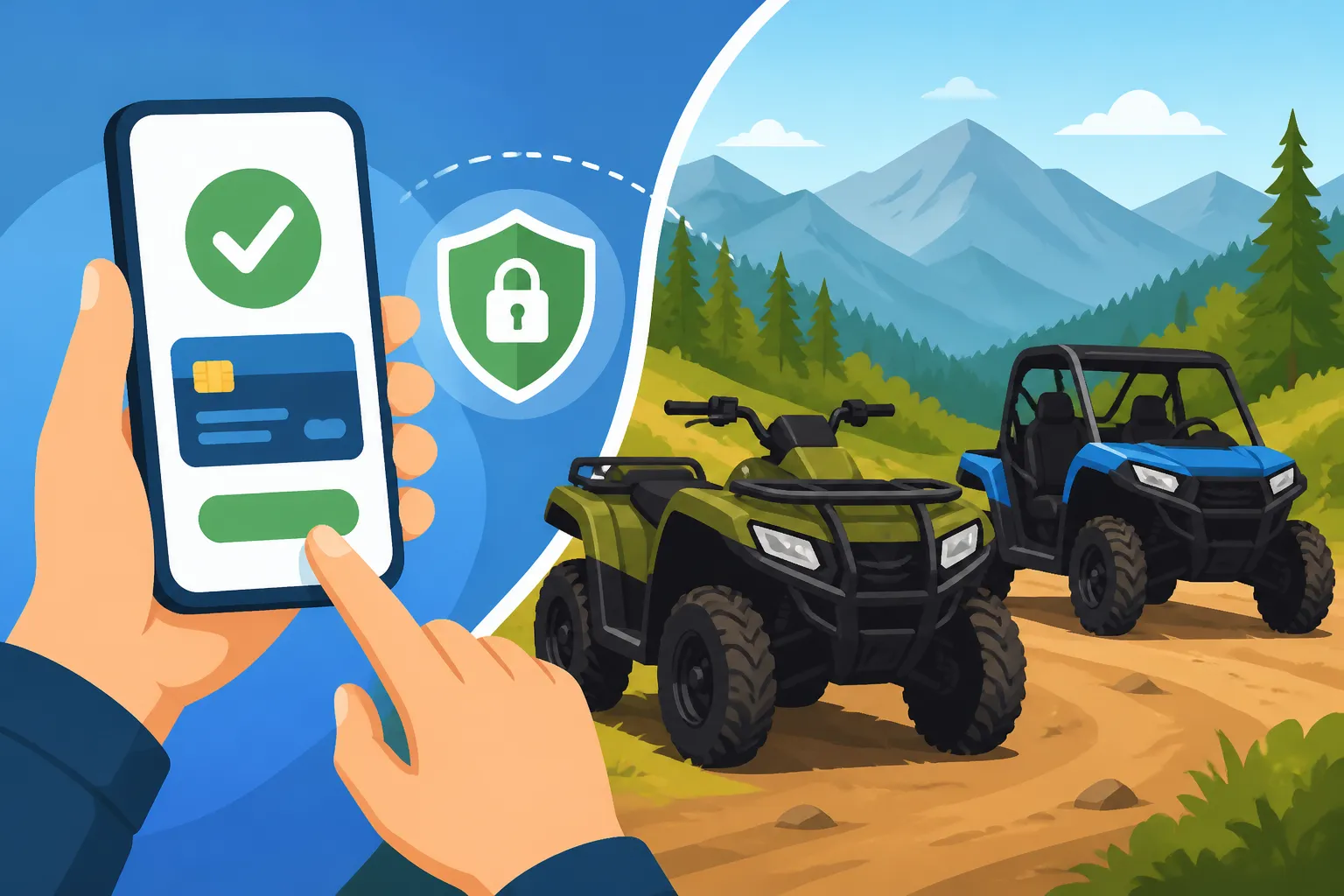
Paying for a trail pass online before leaving home can save time at a managed riding site, but it does not give you permission to ride everywhere in BC. The key is to confirm that the pass applies to your destination and riding dates, then keep proof where you can show it without cell service.
Know what you are paying for
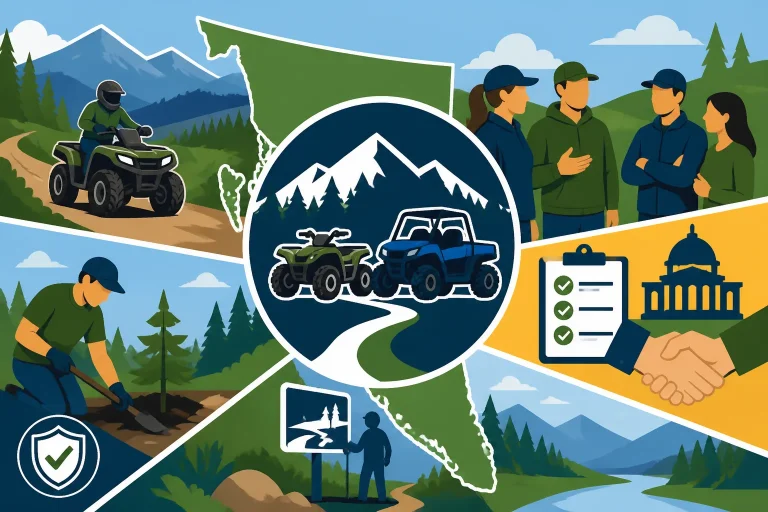
BC does not have one province-wide ATV trail pass. A pass is generally tied to a managed site or riding area, and the group responsible for that site sets its own requirements and payment process. Before you pay, check the site’s current instructions rather than assuming a pass bought for one area works somewhere else. BC Has No Province-Wide Trail Pass and BC Passes Exist Only at Managed Sites explain why this distinction matters.
An online payment may cover a day pass, a longer-term pass, a club or site fee, or another permission the operator requires. It is not automatically an ORV registration, insurance policy, road-use permit, or general authorization to ride Crown land. Those are separate requirements. For an overview of the registration question, see BC Registration Before Riding Crown Land.
A useful way to think about it is: the pass covers access under the rules of the particular managed site. It does not replace the legal and practical checks you need to make for the rest of your trip. If your route leaves a managed area, crosses Crown land, uses a resource road, or enters private land, check the rules for those places separately.
| What you are checking | What to confirm before paying |
|---|---|
| Destination | The pass is valid for the exact managed site or area you plan to use |
| Dates | The pass covers the day or riding period you selected |
| Riders and machines | The pass rules say who or what is covered |
| Payment status | The transaction is complete, not merely an application or reservation |
| Proof | You know how to show the pass at the site, including without cell service |
| Other requirements | Registration, insurance, safety rules, closures, and land access are checked separately |
If you are visiting from outside BC, do not assume that buying a local site pass settles requirements for your machine. A pass is not the same thing as proof of ownership or registration. Visitors should check the rules that apply to their home jurisdiction and the BC riding area; BC Non-Resident Riding Rules is a useful starting point.
A pass is not the same as a permit for every kind of riding
The word “permit” can refer to different things. A trail pass for a managed recreation site is not necessarily the same as an operation permit for a specific road or a site-access authorization issued by another organization. Check what the seller calls the product and what it actually allows.
For example, paying an organized site fee does not by itself make an ATV street legal, authorize travel on a highway, or satisfy insurance requirements for a resource road. It also cannot override a road closure, a motor vehicle prohibition, a fire-related restriction, or a landowner’s refusal of access. If your ride includes a Forest Service road, review BC Forest Service Road Requirements as well as the rules of the managed site.
How to pay online without buying the wrong pass
Start with the organization responsible for the destination. Follow the pass link from the site, club, or managing organization’s own information, rather than relying on a search result or an old social media post. If several organizations appear to offer access, confirm which one manages the area you intend to ride.
Passes may be sold online, through a club, or at a site. The exact process varies. Buying a Site Pass Straight From a Club describes one route, while BC Day Passes at a Managed Site and BC Annual Passes at a Managed Site can help you compare the kinds of access being offered. Do not assume that every site has the same products, eligibility rules, or payment method.
Before entering payment details, check these points:
- Match the destination name. Make sure the pass is for the riding area you intend to visit, not merely a nearby town, trail network, or club.
- Select the correct dates. Check the stated start and end dates, including whether the pass applies to a calendar day, a date range, or a season.
- Read who and what the pass covers. A pass may be associated with a rider, a machine, a household, or another category. Do not guess whether passengers or additional machines are included.
- Check machine and site restrictions. Confirm that your ATV or side-by-side is permitted there. A pass cannot make a restricted machine or route eligible.
- Read the conditions before checkout. Look for instructions on displaying or carrying proof, cancellation or refund terms, and any conditions about site access.
- Wait for confirmation. A payment page, order number, or pending transaction may not be the same as a completed pass. Keep the confirmation or pass document that the seller identifies as proof.
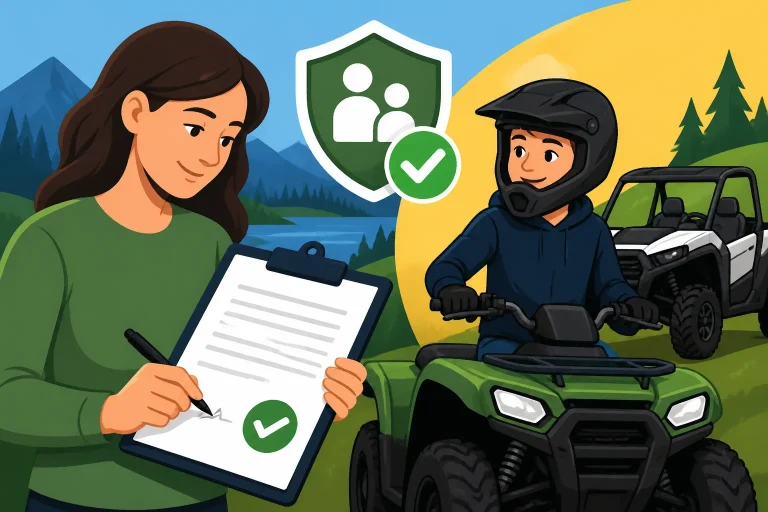
If you are unsure whether a pass covers every rider in your group, ask the managing organization before you buy. This is especially important when children are riding. Pass rules can differ from youth supervision rules, and a pass purchase does not establish that a young operator meets the applicable requirements. See Do BC Kids Need Their Own Pass? and BC Youth Riding Rules Explained for related questions.
Buying online before you leave is most useful when the site requires advance payment or when you want to avoid trying to complete a purchase at the trailhead. It is less useful if the pass is for the wrong place, the wrong dates, or the wrong category. Take a minute to confirm those details before submitting payment.
Keep a record of the transaction
Save the confirmation email or pass file as soon as it arrives. If the pass is displayed in an account, find out whether you can download or print it. Some systems may let you retrieve proof later, but relying on a login at a remote staging area is a poor backup plan.
A bank or card transaction alone may not show which site or dates the purchase covers. Keep the pass itself, or the specific confirmation the site says it accepts. If the email includes a receipt and a separate pass attachment, save both.
Payment terms, availability, and accepted methods can change. If the site’s instructions are unclear, ask the organization directly before setting out rather than assuming a payment confirmation will be sufficient.
Prepare for weak or unavailable cell service
A pass stored only behind a live website login may be difficult to show where reception is poor. Download the pass or confirmation to your phone before driving, and open it once while you still have service. If the site accepts printed proof, carrying a paper copy gives you another option. Proof Carried on a Phone covers the practical value of preparing for an offline check.
For a reliable backup, use more than one method:
- Save the pass as a file or image on your phone.
- Keep the confirmation email available offline if your email app supports it.
- Print the pass when the site accepts printed copies.
- Note any order or pass number in a place you can access without opening the website.
- Make sure the screen is readable and the pass details are not cropped or hidden.
Do not assume a screenshot is acceptable just because it is convenient. Follow the site’s stated instructions. If the pass has a live validation feature, a changing code, or a specific display requirement, ask whether an offline copy is valid before you rely on it.
Also prepare for the possibility that a pass check is only one part of the site’s entry process. A manager may have other rules about where to park, where to unload, which routes are open, or what proof to carry. Read the access instructions before you reach the staging area.
Make the rest of the trip legal and practical
Paying online can take care of one site-specific step, but it does not confirm that every part of your route is open or suitable. Check closures and restrictions close to your travel date, including wildfire-related restrictions, road conditions, and local land-access rules. Conditions can change after you buy a pass.
If you are hauling to a managed site, confirm where trailers can park and whether the route to the staging area is appropriate for your vehicle. Do not treat a pass as permission to ride on a road that is closed to ORVs or to cross land without permission. For private property, contact the landowner or authorized manager rather than assuming a nearby trail pass covers it.
Before leaving, use a short trip checklist:
- Confirm the destination and the pass’s valid dates.
- Save or print the proof required by the site.
- Check for current closures and access restrictions.
- Confirm that your machine and route are allowed.
- Carry the registration and other documents that apply to your ride.
- Check the separate insurance, helmet, and equipment rules for the places you will travel.
- Tell someone your plan if you are heading into an area with limited communications.
This matters even on a simple day ride. A route may begin at a managed site and continue onto land or roads with different requirements. The pass is one piece of the plan, not a substitute for checking each part of the route.
If your destination’s instructions are uncertain, contact the site or managing organization before you drive. Ask whether the pass is valid for your planned dates, how many riders or machines it covers, and what form of proof is accepted offline. Those few answers can prevent a wasted trip and make it easier to show that you paid when you arrive.
Disclaimer
This article is for general informational purposes only and does not constitute professional advice. Laws, prices and regulations vary by location and change over time. Consult a qualified professional for guidance on your specific situation.