Carrying a Satellite Messenger
A remote ATV ride can feel straightforward until a rider is injured, a machine breaks down, or a group misses its turn in a place with no cell service. A satellite messenger gives you a way to send messages and, on many devices, request emergency help beyond cellular coverage. This guide explains how to choose, prepare, carry, and use one on BC trails.
Why carry a satellite messenger on a BC ATV ride
Cell service can disappear well before the trail feels remote
A phone may show a signal at a staging area or on a ridge and lose it a few kilometres later. In BC, steep valleys, dense forest, and long stretches of backcountry can make coverage patchy. A route that looks close to a highway on a map can still include hours of riding without dependable service. Planning around that gap matters whether you are riding near the Interior, on Vancouver Island, or along a resource road.
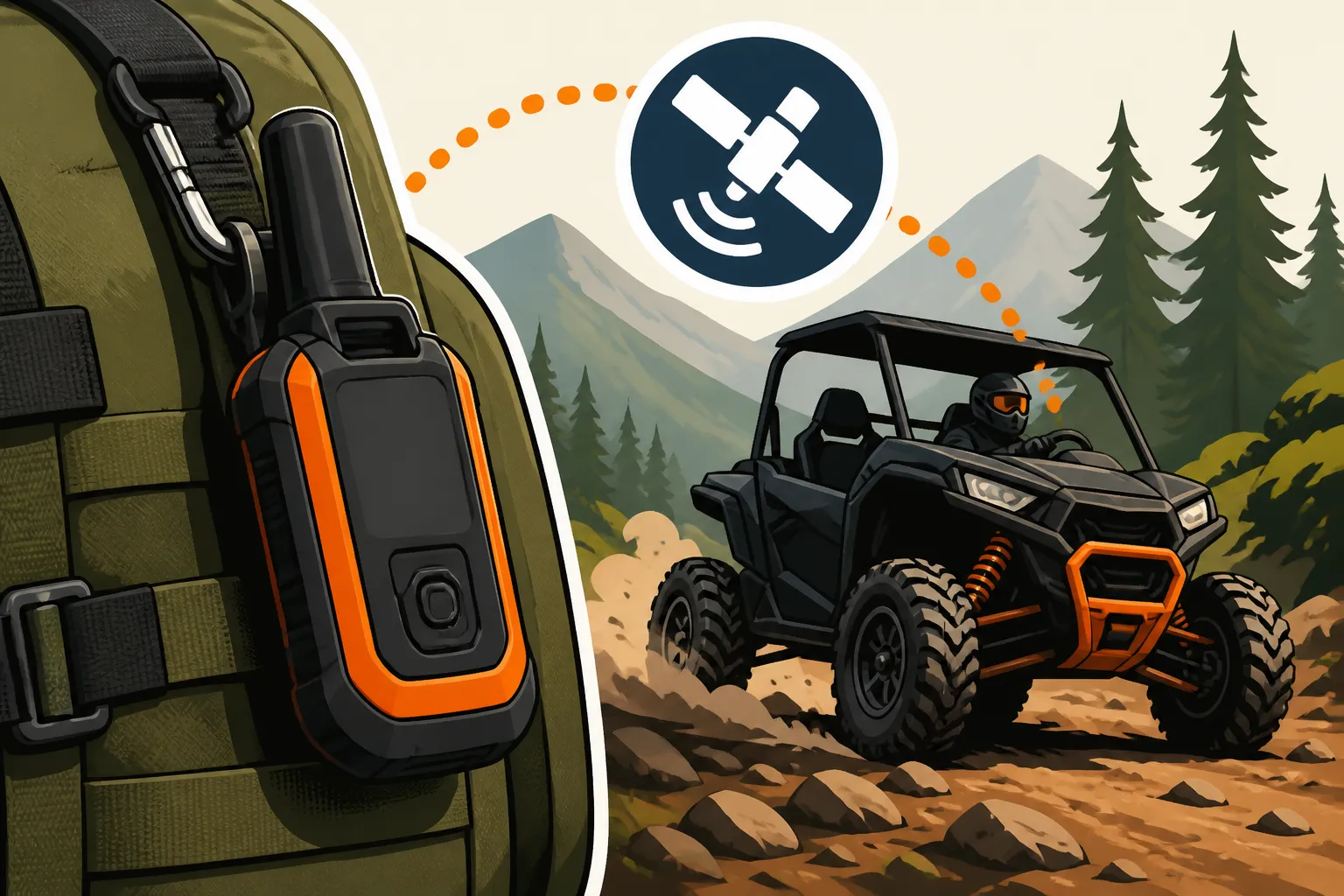
A satellite messenger is designed to communicate through satellites rather than local cellular towers. Depending on the device and service, it may let you send preset messages, exchange two-way texts, share your location, or trigger an SOS. Capabilities vary, so check the device’s instructions and service details before relying on any particular function. A messenger is not a promise of immediate rescue: terrain, weather, battery life, and the circumstances of an emergency can affect communication and response.
Your phone still has a role. It can hold maps, route notes, contact details, and photos, but a downloaded map does not create a way to call for help when there is no signal. Keep navigation and emergency communication in separate mental categories. If you use onX Offroad to review route options or save maps for offline use, remember that the app is a navigation tool, not a satellite messaging device.
The best emergency plan starts before the ride
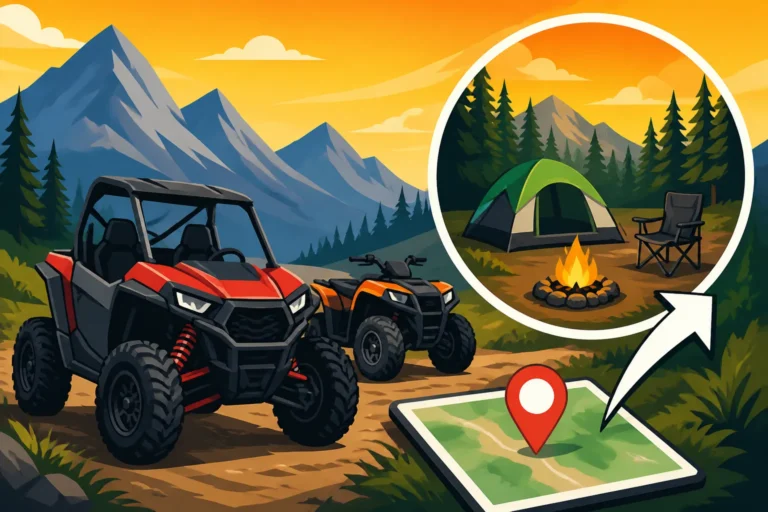
A messenger is useful only if the group knows who is carrying it, how to use it, and what to do if something goes wrong. Before leaving, tell someone at home where you expect to ride, who is in the group, and when you plan to check in. Include a reasonable overdue time and instructions for what that person should do if they do not hear from you. A route plan is more helpful when it includes a staging area, intended roads or trails, and any planned overnight stop.
Share the basics with the people riding with you, too. Point out who has the messenger and where it is stored. If the device can send messages, decide on a simple check-in schedule and agree on what a missed check-in means. On a group ride, the person carrying it should not be the only one who knows how to send an SOS. A crash or medical emergency can leave that person unable to reach the device.
For route planning, consult more than one source. Trail maps and local information can help identify access points, but closures, road work, weather, and active industrial traffic can change what is practical. Start with BC ATV Trail Map Downloads and check for recent access information such as BC Trail Closures After a Storm. If your route includes areas with limited reception, Cell Dead Zones in the Interior is a useful planning topic to consider alongside your route notes.
Choosing a messenger and preparing it properly
Match the device to the kind of trip you take
Not every rider needs the same communication setup. A short, popular loop with a large group has different needs from a day-long route far from towns, or a multi-day ride where you may be separated from other people for long periods. Think about the distance from help, how often you expect to send ordinary messages, whether you need two-way communication, and whether someone at home needs location updates.
| Option | What it can help with | Important limitation |
|---|---|---|
| Cell phone | Calls, texts, navigation, and stored ride information where service is available | Cellular service may be absent; offline maps do not send messages |
| Satellite messenger | Depending on the device, satellite messages, location sharing, or an SOS function | Requires preparation, a clear view of the sky for many functions, and a suitable service arrangement |
| Personal locator beacon | A focused way to send an emergency alert on supported systems | Typically offers fewer routine messaging options; check the model’s instructions and registration requirements |
| Radio | Communication with nearby riders or other users on an agreed channel | Range and access depend on terrain, equipment, and whether other people are monitoring the channel |
A messenger may suit riders who want to send an “all is well” note as well as an emergency alert. A beacon may suit someone who wants a dedicated emergency option and does not need routine two-way messaging. These are different tools, not interchangeable guarantees. Read the device’s operating instructions and understand the steps for activating its emergency function before taking it onto a trail.
Consider how the device will work with your riding style. A small unit that is easy to secure may be more useful than one left in a truck because it is awkward to carry. If you ride in a group, discuss whether one device is enough for your plans or whether the group should have more than one. Groups can split unintentionally when someone stops to deal with a mechanical problem, so do not assume every rider will remain beside the person carrying the messenger.
Set it up, test it, and protect the battery
Set up the device at home, where you have time to read its instructions and resolve account or contact questions. Make sure its emergency contacts are correct and that someone on your list understands how they may be contacted. If the device offers a test function, use the manufacturer’s recommended test process rather than activating an actual emergency alert to see what happens. Check that your chosen settings and subscription or service arrangement support the functions you expect to use.
Charge the messenger fully before the ride and bring any charging equipment that makes sense for the length of your trip. Battery needs can change with frequent location sharing, cold conditions, and repeated messaging. Avoid assuming that a battery indicator will last for the entire ride just because it appeared full at the trailhead. On a multi-day trip, include a realistic charging plan and protect charging cables from mud and moisture.
Practice the routine you will follow on the trail. Know how to send a normal check-in, how to confirm that a message was sent, and how to access the emergency feature without fumbling through unfamiliar menus. If you are using onX Offroad for route planning, compare your saved route with the riding plan you have shared with your contact. Keep the route and emergency contact information available even if your phone battery dies.
Carrying and using a messenger on the trail
Keep it accessible and able to communicate
Carry the device on your person, not buried in a trailer or left in a parked truck. If a rider becomes separated from the group or cannot reach the staging area, a messenger in the vehicle may be no help. Choose a secure location that is comfortable while riding and does not interfere with controls, protective gear, or safe movement. A pocket, pack, or approved attachment may work, depending on the device and your gear.
Many satellite devices need a reasonably unobstructed view of the sky to communicate. Thick tree cover, steep terrain, and the position of the device can affect performance. Follow the manufacturer’s guidance about placement, orientation, and message confirmation. If a message does not appear to send, do not assume that a recipient has received it. Move to a safer, more open location if practical and try again according to the device instructions.
Avoid keeping the messenger in a place where it can be crushed, soaked, or separated from you in a fall. At the same time, do not hide it so deeply that you cannot reach it when wearing gloves. A quick practice session in your actual riding gear can reveal annoyances you might not notice at home, such as a hard-to-open pocket or a button that is difficult to operate with cold hands.
Use messages to reduce confusion, not add to it
Routine check-ins can be simple: identify the group, give your location or route point if available, and say whether the ride is proceeding as planned. Agree on a schedule before departure rather than sending messages whenever one rider happens to remember. If you are delayed by a flat tire or a closed road, a short update can stop people at home from worrying and can help the group adjust its plan.
When sending an emergency message, be clear and factual. Describe what happened, how many people are involved, the nature of the immediate danger, and your location as accurately as the device permits. Follow the device’s prompts and remain available for follow-up messages if it supports two-way communication. Do not cancel an alert simply because someone has replied; follow the device’s instructions and communicate clearly about whether help is still needed.
A messenger does not replace first aid, safe riding choices, or group communication. The group should still know how to provide basic assistance, protect an injured person from further harm, and describe the route to responders. For preparation before a remote ride, review First Aid on a Remote Interior Loop and plan the communication side of the trip with BC Group Ride Planning. On roads used by industrial traffic, a messenger also does not replace suitable road awareness or agreed radio practices; see BC Resource Road Radio Practice.
Building a reliable backcountry communication plan
Combine tools and plan for separation
A stronger plan uses several layers rather than relying on a single device. That can mean a phone with offline maps, a satellite messenger or beacon, a radio for nearby communication where appropriate, and a written route shared with someone who is not riding. Each has a different job. A phone may be the easiest way to check a map, a radio may help riders talk over a short distance, and a satellite device may provide a way to contact someone beyond cellular range.
Make a plan for common problems, not only dramatic emergencies. A rider might stop with a mechanical issue while the rest of the group rides ahead, or the group might take different turns at an unsigned junction. Agree on a regrouping point and a time limit for waiting. If two people need to leave to get help, decide who stays with an injured rider and who takes the communication device. These decisions are harder to make calmly if nobody has discussed them before the ride.
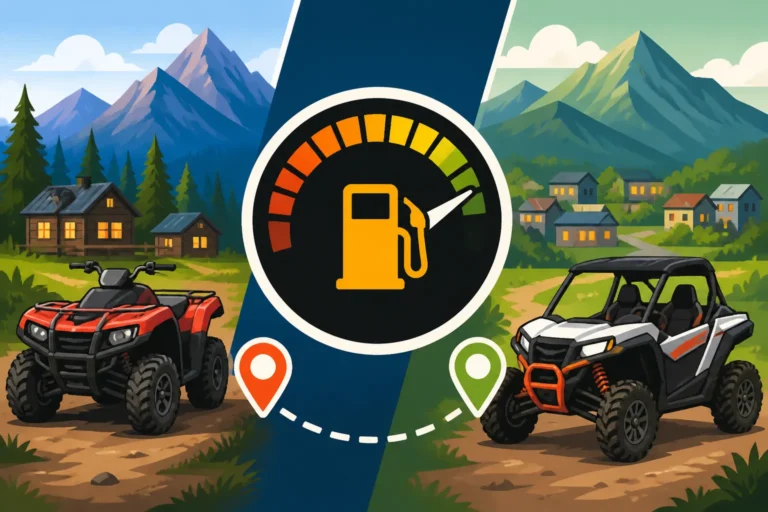
For longer trips, review the plan each morning. Check the route, weather, closures, fuel range, and expected check-in times. If the plan changes, update the person at home when possible. A saved route in a mapping app such as onX Offroad can support route awareness, but it should not become the only record of the plan. Keep a written or separately accessible version of the key details in case a phone is damaged or its battery runs down.
Know when a ride needs a more conservative decision
No communication device makes every route safe. If the weather is worsening, the group is running short on fuel, or a rider is tired or injured, turning back can be the right call even when the messenger is working. Similarly, do not press on simply because a planned check-in time has not arrived. A route can become unsafe through changing conditions, a closed road, or a problem that is not visible on a map.
Check that the entire group understands the limits of the equipment. A satellite messenger can support a request for help, but it cannot guarantee that a message will transmit instantly or that responders can reach the exact location quickly. Give your emergency contact realistic expectations and a useful plan for responding to a missed check-in. If the ride is remote or multi-day, consider whether the communication tools, supplies, and group experience are appropriate for the distance and conditions.
Finally, keep your system familiar. Charge the device, check its settings, update emergency contacts, and review the operating instructions before a trip rather than at the trailhead. Bring it on your person, make sure the group knows where it is, and leave a clear route plan with someone you trust. Those small habits make a satellite messenger more useful when a ride does not go as planned.
Disclaimer
This article is for general informational purposes only and does not constitute professional advice. Laws, prices and regulations vary by location and change over time. Consult a qualified professional for guidance on your specific situation.